Engineering Journey
Building My Own CLI Portfolio with npx
How a developer's terminal portfolio inspired me to build and publish my own interactive CLI business card.
- JavaScript
- Node.js
- npm
The Idea
I came across a developer's GitHub profile that featured an interactive portfolio accessible through an npx command. I found the idea impressive and became curious about how it worked.
After researching the concept, I decided to build one for myself.
Building basu-card
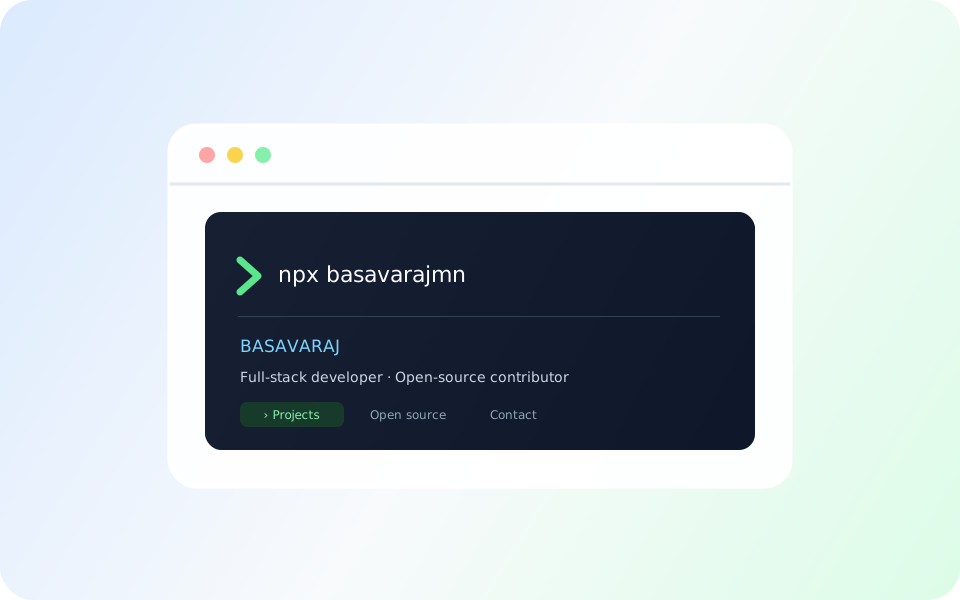
I created basu-card, an interactive CLI business card published as the npm package basavarajmn.
Run it using:
npx basavarajmn
It lets users explore my projects, open-source contributions, hackathons, certifications, and contact information directly from their terminal.
Under the Hood
I used Node.js along with @inquirer/prompts for interactive menus, chalk for colors, boxen for terminal layouts, gradient-string for gradient text, and open for launching links in a browser.
I separated the profile data into portfolio.js, keeping it easy to update without changing the main menu logic.
What I Learned
This project started with curiosity about something I saw on another developer's profile. Researching the idea and building my own version gave me a practical way to explore npm packages and interactive CLI applications.
It reminded me that inspiration can be the starting point for creating something of your own.
Try It
npx basavarajmn